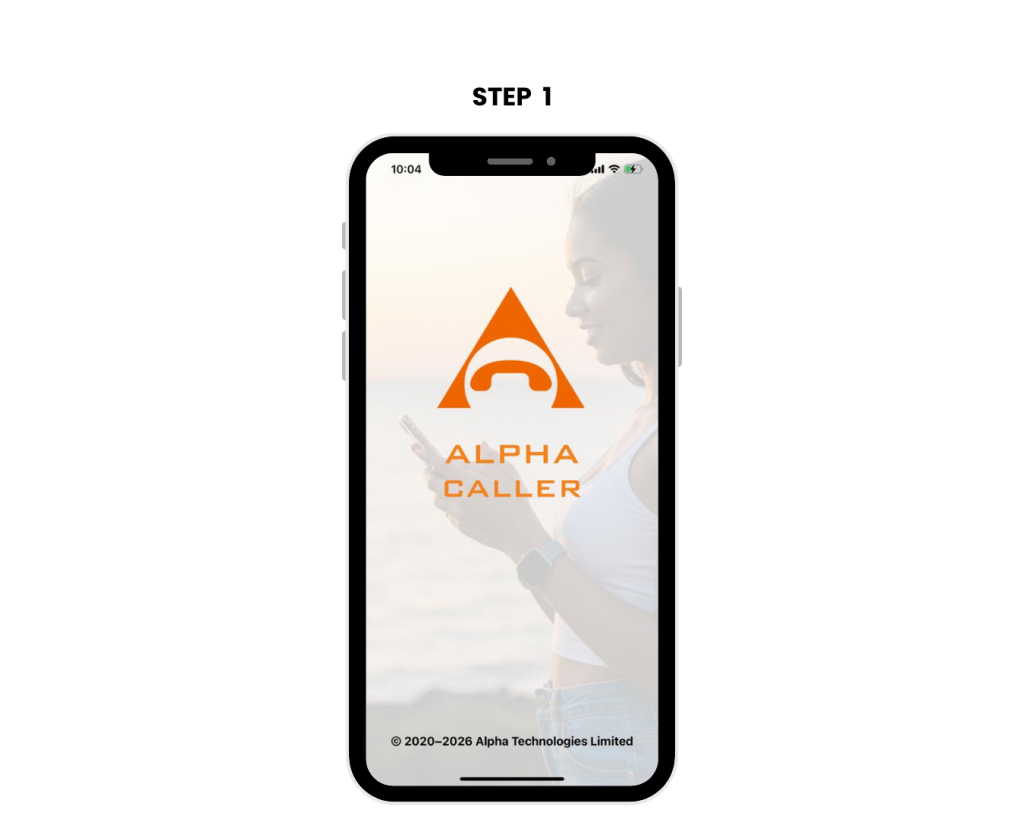
Step 1: Open the Alpha Caller App
If you don’t have the app yet, download it from your app store and complete your registration.
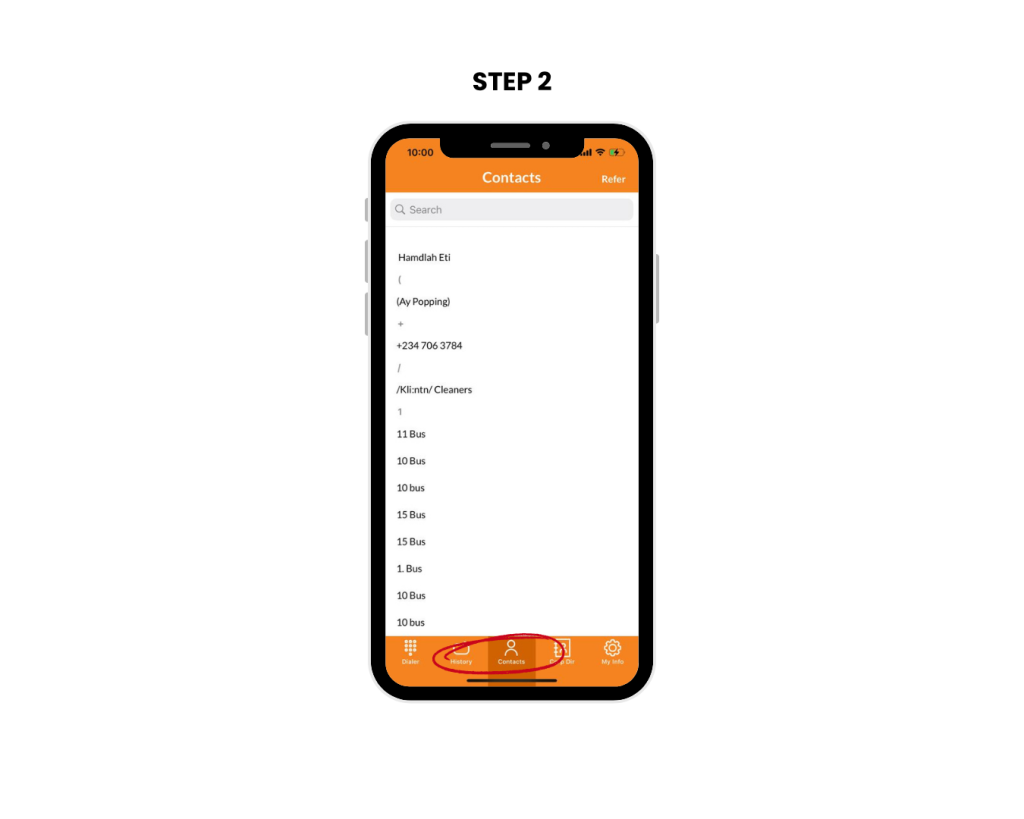
Step 2: Go to the “Contact” Section
Open the app, go to your contact list, and look at the top right corner.
You’ll see the “Refer” button, tap it to start inviting friends.
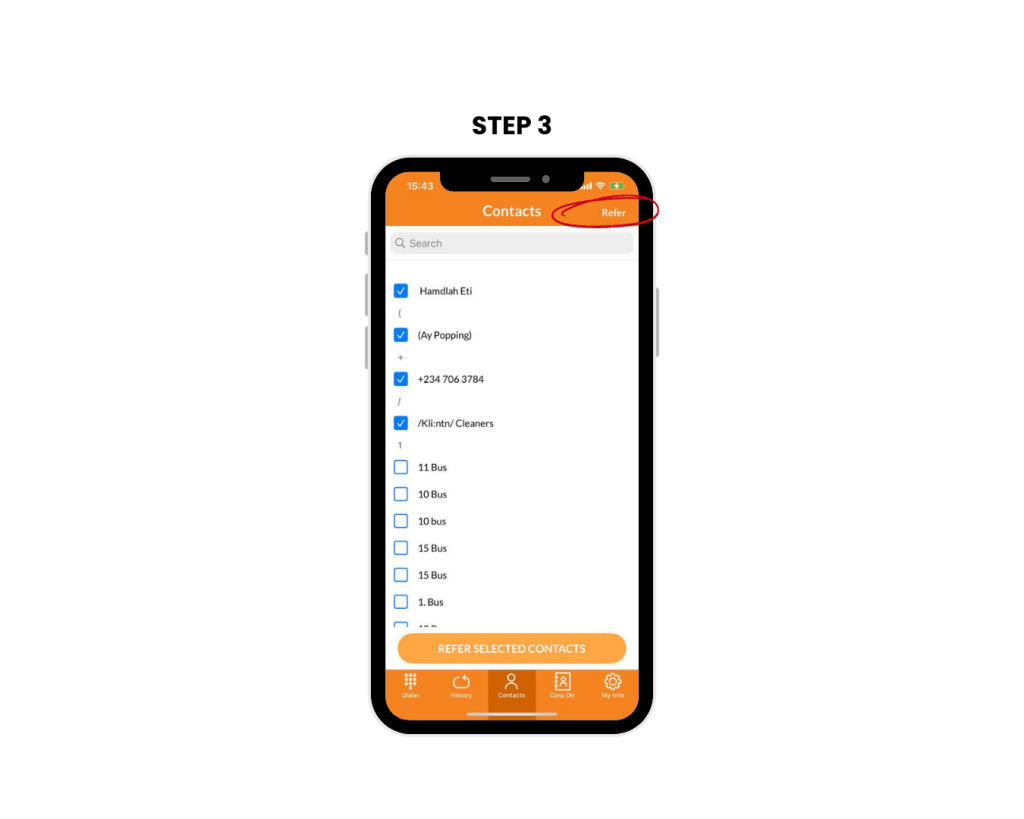
Step 3: Select "Contacts" to Refer
Your contact list will appear with small checkboxes next to each name.
Select as many friends as you want to invite.
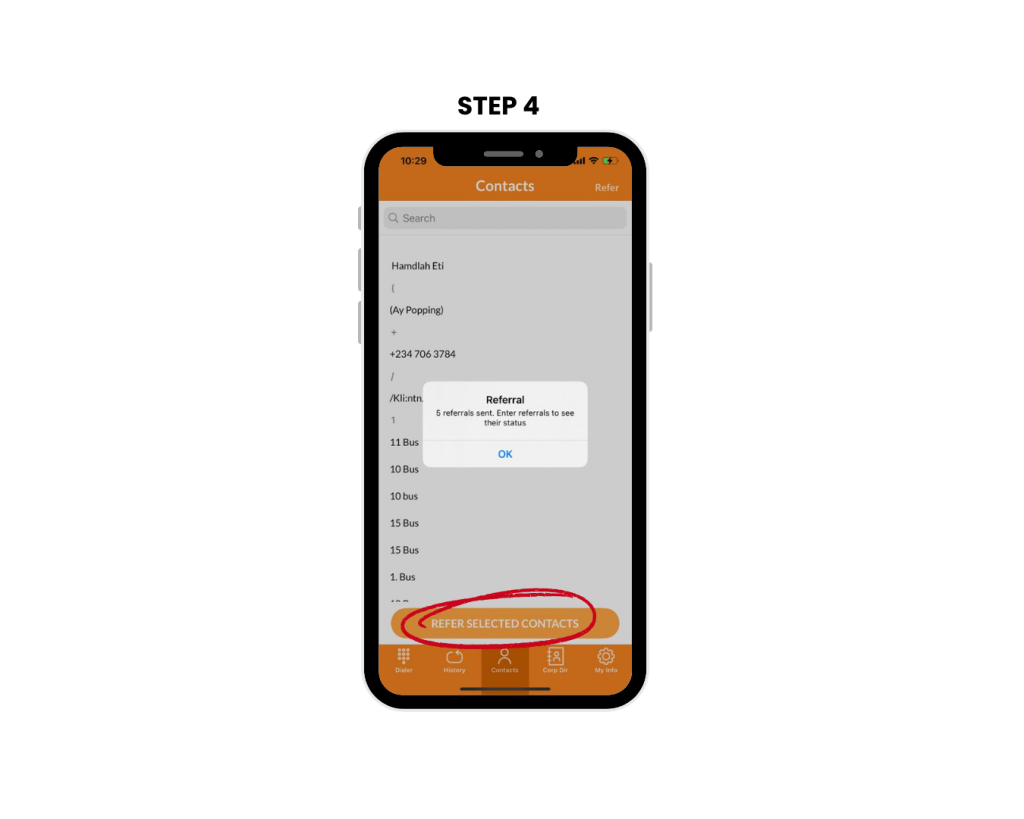
Step 4: Send the Referral Invitation
Your selected contacts will receive an SMS from you, inviting them to download the Alpha Caller app.